I still remember the afternoon I hit the “Publish” button on my second post and whispered, “Please let this be the one.” Two weeks later I checked my PayPal and saw my first $100 deposit from an affiliate link — and it changed everything. If you’re a stay-at-home mom wondering how to turn a few spare hours into real income, I’ll walk you through the exact strategy that got me that first $100 and the simple steps you can copy.
How I made my first $100: Affiliate blog post plus Pinterest traffic
Description
I made my first $100 by publishing a helpful, search-friendly blog post that recommended a product I already used and loved, then promoting that post on Pinterest. The post ranked for a low-competition long-tail keyword, got steady visitors from Pinterest, and a few readers clicked my affiliate link and purchased — enough to earn that first payout. This approach works well for busy moms because it’s low-cost, reusable, and fits around family time.
Practical setup steps
- Pick one focused topic you know well (e.g., “best washable nursing pads” or “5-minute preschool art activities”) and find a long-tail keyword to target.
- Get your blog started:
- Follow a clear guide to starting a blog—step-by-step guide so you don’t miss the essentials.
- Choose reliable website hosting through WPX and register a simple domain name.
- Write one helpful, personal post (1,000–1,500 words) that answers the reader’s problem and includes an honest product recommendation with your affiliate link.
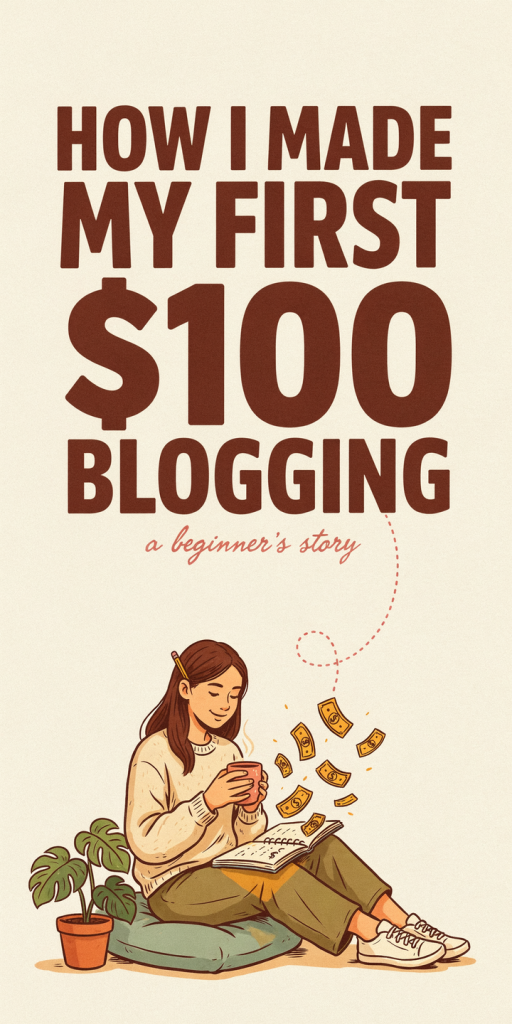
- Create 3 Pinterest pin designs that point to your post. Use one eye-catching headline image and two variations for testing — then drive free traffic by pinning and scheduling.
- For Pinterest-specific strategies, see Pinterest tips for bloggers.
- Automate pin publishing with a social media scheduling tool so pins go up during high-traffic times without you being online.
- Build a simple conversion path: a clear CTA in the post and a basic simple sales funnel setup (one landing page or email capture) to follow up with readers who don’t buy immediately.
- If design or pin creation isn’t your thing, hire a quick gig: you can hire a designer on Upwork for longer work or grab a quick pin design on Fiverr.
- Track clicks and conversions for two weeks, tweak the pin copy and pin images, and optimize the post (add FAQ, better product photos, or clearer CTA) until you see steady clicks converting.
Estimated startup costs
- Domain name: $10–$15 (one-time / annual)
- Website hosting through WPX: $20–$50 for your first month (annual plans reduce monthly cost)
- Basic email service or landing page (optional): $0–$15/month
- Pin design (DIY: free with Canva; designer via Fiverr/Upwork): $0–$50
- Social media scheduling tool (optional): $0–$15/month
- Optional small Pinterest ad boost (to kickstart impressions): $5–$25
Estimated total to get started: roughly $30–$150 depending on whether you outsource design or run ads. You can absolutely keep costs low by doing the writing and pin creation yourself while you learn.
Start small: one focused post, a few Pinterest pins, and a tiny bit of patience. That first $100 is more than money — it’s the proof that your voice and experience can earn income from home. Keep repeating the process, learn which topics convert, and scale at your own pace.