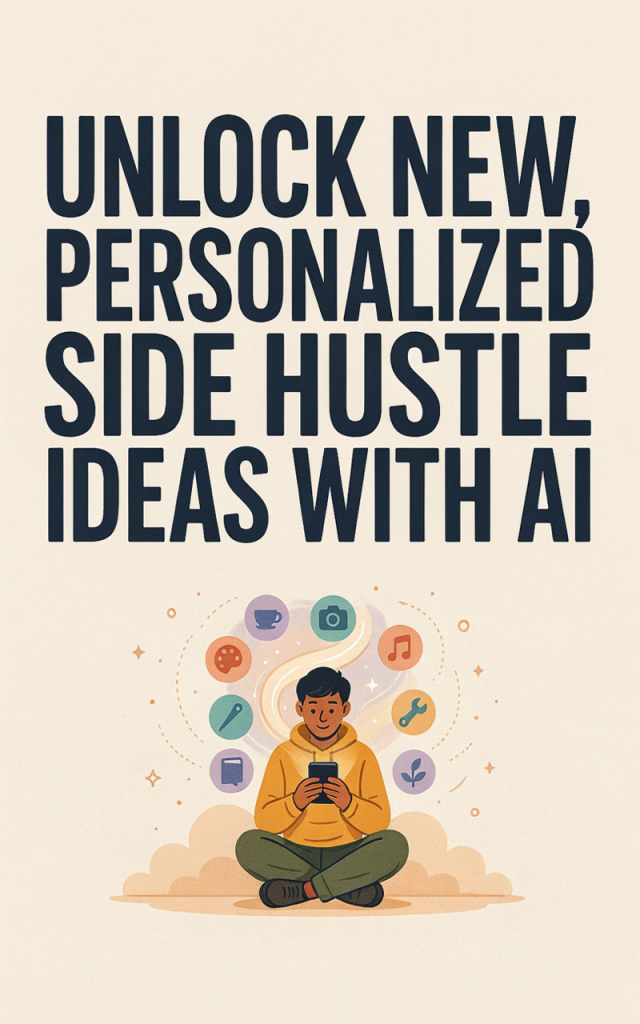
Unlocking fresh, personalized income streams from home doesn’t have to be overwhelming — especially with AI doing the heavy lifting. Below is a practical, mom-tested idea that uses AI to turn your creativity and schedule-friendly hours into a profitable venture you can scale alongside family life.
AI-Powered Pinterest Content Manager for Busy Moms
Description
You become the go-to creator and manager of high-converting Pinterest content for small businesses, bloggers, and local brands — using AI to rapidly generate pin copy, images, keywords, and scheduling calendars. This side hustle fits well around school runs and nap times because most work is batchable: create pins in one session, schedule them, then monitor performance later. Clients love results that bring steady referral traffic and leads to their sites or starting a blog projects.
Practical setup steps
1. Validate demand
– Search Pinterest categories you know (parenting, recipes, home organization) to see what pins get traction.
– Offer free test pins to one or two local businesses or bloggers to collect testimonials.
2. Define a service package
– Offer tiered packages: pin design + keyword research; pin design + scheduling + monthly analytics; or premium “pin + mini funnel” packages that tie to a sales funnel.
3. Build a simple portfolio hub
– Launch a small landing page or mini-site (use reliable website hosting) showcasing before/after engagement and testimonials.
– If you want a content hub, consider starting a blog to publish case studies that drive organic traffic.
4. Use AI to speed content creation
– Use AI tools to draft pin headlines, descriptions, and keyword lists tailored to client niches.
– Use AI-assisted design templates to produce dozens of pin variations quickly.
5. Automate posting and reporting
– Use a social media scheduling tool to queue pins across client accounts and collect analytics for monthly reports.
6. Price strategically and upsell
– Start with introductory pricing, then upsell services like creating a small lead magnet that funnels into a client’s email list or a sales funnel you help set up.
7. Outsource selectively
– For busy weeks, find vetted freelancers on Upwork or Fiverr for overflow design or keyword research.
8. Grow recurring revenue
– Turn one-off clients into monthly retainers by showing steady traffic gains, or bundle add-ons like a weekly content calendar or split-testing pin creatives.
9. Optional low-effort extras
– Offer clients quick audience feedback by running short polls or inviting customers to take surveys to guide future pin themes.
Estimated startup costs
– AI content & design tool subscriptions: $0–$30/month (many have free tiers)
– Social media scheduling tool: $10–$30/month (starter plans)
– Portfolio landing page + website hosting: $5–$20/month
– Premium templates or graphics: $0–$50 one-time
– Optional outsourcing (Upwork/Fiverr): $10–$100 per task depending on scope
Estimated total to start: $20–$150 one-time and $15–$80/month operating costs. With two steady monthly clients, this side hustle can cover those costs quickly.
Ready to accelerate?
This single, focused idea combines AI speed with a platform ( Pinterest ) that rewards consistent, well-optimized visuals — and it’s friendly to a mom’s timetable. Start small, automate what you can with AI and social media scheduling, and scale by packaging results into monthly retainers or mini-sales funnels. If you want to expand later, you can add services like a lead-generating landing page on your website hosting or hire help via Upwork and Fiverr. Small, consistent steps will turn your AI-assisted efforts into dependable income while keeping family first.