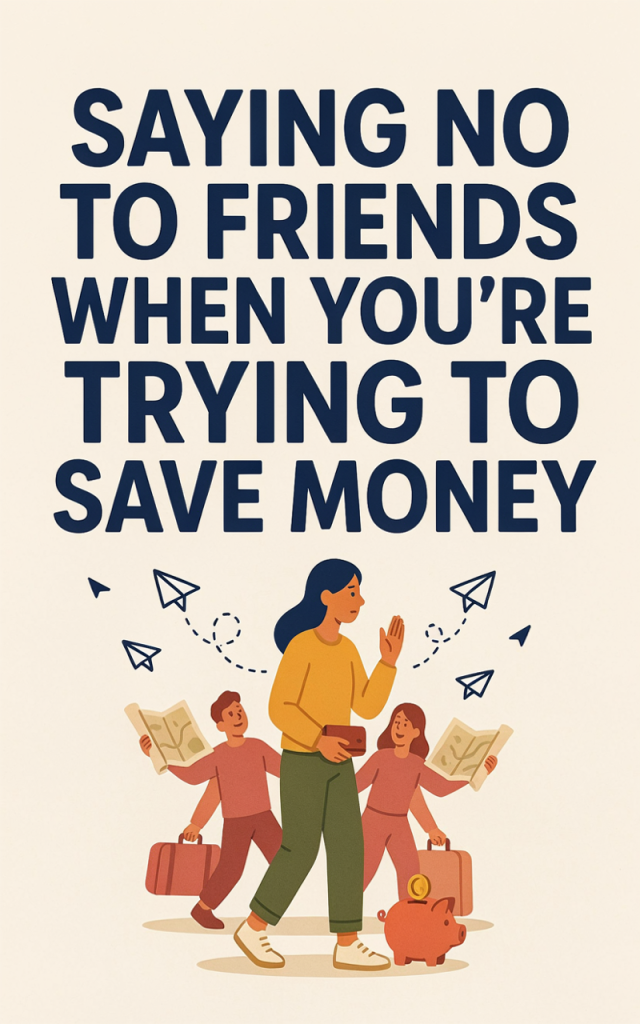
Saying no to friends when they invite you out or suggest a group gift is hard—especially when you want to feel generous and connected. As a stay-at-home mom trying to save, you can protect your budget without burning bridges. The trick is a combination of honest boundaries, simple scripts you can reuse, and a small, reliable way to add to your household income so “no” feels less like deprivation and more like deliberate choice. Below you’ll find one practical money-making idea that pairs well with boundary-setting so you can say no without guilt.
Side hustle idea: Start a Mom-Friendly Blog That Earns While You Save
Description
A blog is a flexible, long-term side hustle that you can build around nap schedules and family time. With focused content, a little SEO, and smart promotion on Pinterest, your posts can bring steady traffic and income from ads, affiliate links, digital products, or a simple sales funnel that sells a small guide or printable to readers. It’s also a powerful buffer: the more predictable income you have, the easier it is to say no to expensive group plans without stress.
Practical setup steps
1. Pick a niche you love and can write about consistently (easy family meals, preschool crafts, budgeting for families).
2. Get started with starting a blog—follow a simple launch checklist so you publish your first posts in a week.
3. Choose reliable website hosting and install WordPress so your site runs smoothly and loads fast.
4. Create 10 cornerstone posts that solve real problems for your audience (how-tos, checklists, recipes).
5. Set up a free Pinterest account and create vertical pins for each post; Pinterest is a top traffic driver for mom-focused content.
6. Use a social media scheduling tool to automate pinning and social shares so you don’t spend evenings manually posting.
7. Build a simple email list and connect a basic sales funnel to convert visitors into buyers (a $7–$27 printable or mini-course is a good starter product).
8. If you want help with design, content, or pin graphics, hire a freelancer on Upwork or Fiverr for one-off tasks while you learn.
9. If you need small, immediate pocket money while your blog grows, try a few paid surveys or micro-gigs—these can bridge shortfalls without costing your long-term progress.
Estimated startup costs
– Domain name: $10–$15/year
– Website hosting: $5–$30/month depending on plan
– Basic WordPress theme and plugins: $0–$70 one-time (many free options exist)
– Pinterest pin templates or a small graphics package (optional): $10–$50
– Email service (starter plan): $0–$15/month
– Outsourcing (optional): $5–$100 per task on Fiverr or Upwork
Realistic total to launch: $15–$200 (depending on choices you make). Once traffic starts, reinvest small earnings into a modest sales funnel or paid Pinterest strategy.
Want a faster way to turn a simple idea into cash? Learn proven methods and AI shortcuts that work around family life.
Practical scripts and boundary tips to use while your blog grows
– Keep it simple: “Thanks for inviting me—I’d love to next time, I’m saving for [goal].”
– Offer a lower-cost alternative: “I can’t do dinner out, but let’s do a picnic at my place and I’ll bring dessert.”
– Rehearse a one-liner and a pause. Saying no once feels awkward; practiced phrases feel natural fast.
– Use your blog progress as a confidence anchor: “I’m working on a small project to bring in extra income, so I’m keeping spending tight right now.”
If you want immediate options while your blog gains traction, consider micro-earnings from surveys or quick freelance gigs on Upwork and Fiverr. They’re useful stopgaps while your blog audience grows.
Saying no gets easier when you have a plan: a few set phrases, a cushion in your budget, and a small, manageable income stream that fits around the kids. Start small, protect your boundaries, and celebrate the times you choose wise spending—those choices add up faster than you think.