We want our blog posts to attract clicks on Pinterest, drive traffic, and keep readers engaged once they arrive. ChatGPT can be a practical partner across the whole process: idea generation, headlines, readable formatting, pin copy, and image text. In this guide we share nine actionable ways we use ChatGPT to turn ordinary posts into Pinterest-worthy content, complete with prompts, templates, and optimization tips you can apply right away.
Plan And Brainstorm Pin-Ready Post Ideas
A strong pin starts with a pin-worthy idea. We use ChatGPT to validate topic potential, expand angles, and generate formats that perform well on Pinterest (listicles, how-tos, roundups, and visuals-first guides).
How we prompt ChatGPT for ideas
- Quick seed prompt: “Give 12 blog post ideas about [topic] that would do well on Pinterest. Include a one-line pin title for each idea and suggested pin format (infographic, list, step-by-step).”
- Competitive-angle prompt: “Scan popular Pinterest themes for [topic] and propose 8 unique angles that avoid common topics while still matching search intent.”
ChatGPT helps us avoid rehashing tired content by suggesting fresh twists: seasonal hooks, juxtaposed pairings (e.g., “Minimalist Home + Budget DIY”), and step-count formats (“7-minute recipes”). We also ask the model to rank ideas by likely Pinterest engagement: visual potential, shareability, and evergreen value.
Quick validation
We follow up with prompts that simulate Pinterest search intent: “For each idea, list 3 search phrases people might use on Pinterest and suggest one high-concept image idea.” That gives us a fast roadmap for keyword-targeted pin titles and visuals before we write a word.
Craft Clickable Headlines, Pin Titles, And Subheads
Headlines and pin titles are where curiosity meets clarity. We rely on ChatGPT to produce dozens of headline variations using tested formulas (How to, List, Numbered, Problem/Solution, Emotional triggers). Then we pick ones that match Pinterest’s search-first behavior and our brand voice.
Headline prompt templates we use
- “Generate 20 clickable blog post headlines for ‘[topic]’, using listicle, how-to, and curiosity formats. Keep 6 that are 6–10 words for pin titles.”
- “Rewrite these 10 headlines to be more urgent and add a 6–8 word pin title for each.”
We also ask ChatGPT for subhead suggestions that keep scannability high: break long sections into H3s with question-based subheads (“How long does it take?”, “What you’ll need”). Subheads double as micro-copy for on-pin text overlays or carousel slides.
A/B test ideas
We generate 4 pin title variations (straight, curiosity, number-driven, and emotional) per post and track which style wins. ChatGPT can produce all four in seconds, great for rapid A/B testing.
Write Scannable, SEO-Optimized Blog Content And Formatting
Pinterest traffic converts best when the landing content is scannable and helpful. We use ChatGPT to craft SEO-conscious, formatted drafts: clear intro, H2/H3 hierarchy, bulleted lists, steps, and a tight conclusion that encourages pinning or sharing.
Prompts and structures we ask for
- “Write a 700-word scannable blog post about [topic] optimized for the keyword ‘[primary keyword]’. Use H2/H3 headings, short paragraphs (1–3 lines), and include 4 bullet lists. Keep the tone confident and actionable.”
- “Produce a meta description (150 characters), suggested URL slug, and 3 internal-link anchor text ideas for this post.”
We instruct ChatGPT to sprinkle natural keyword variations and LSI phrases (e.g., “Pinterest tips,” “pin design ideas”) rather than repeating the exact phrase. That helps with both search engines and Pinterest’s discovery.
Formatting tips
- Use numbered steps or checklists for tutorials: they make great saveable pins.
- Add a TL:DR box at the top (2–3 lines), ChatGPT can generate this for busy readers and for pin descriptions.
- Generate alt text for each image (one-sentence descriptions with the primary keyword). We prompt: “Write alt text for image showing [description] including the keyword ‘[keyword]’.”
Create Compelling Pin Copy, Descriptions, And Calls To Action
Pin descriptions and CTAs are small but powerful signals. We instruct ChatGPT to create multiple description lengths and CTA options tuned for Pinterest behavior.
Description prompt examples
- “Write 5 Pinterest pin descriptions (short, medium, long) for a post titled ‘[post title]’. Include search-friendly keywords and an enticing hook.”
- “Produce 6 calls to action for the pin: two soft CTAs (save for later, check the guide), two conversion CTAs (read now, download), and two social CTAs (tag a friend, share).”
We craft descriptions with the most important keywords and phrase the first 1–2 sentences to match how Pinterest truncates previews. ChatGPT helps us keep the opener compelling: a clear benefit + a curiosity gap.
Examples of CTAs we use
- Soft: “Save this pin for later, step-by-step checklist inside.”
- Conversion: “Read now to get the printable template.”
- Social: “Tag someone who needs this kitchen hack.”
We also tell ChatGPT to create pin descriptions that include a simple search-phrase variant, this increases discoverability when users search on Pinterest and in Google Image Search.
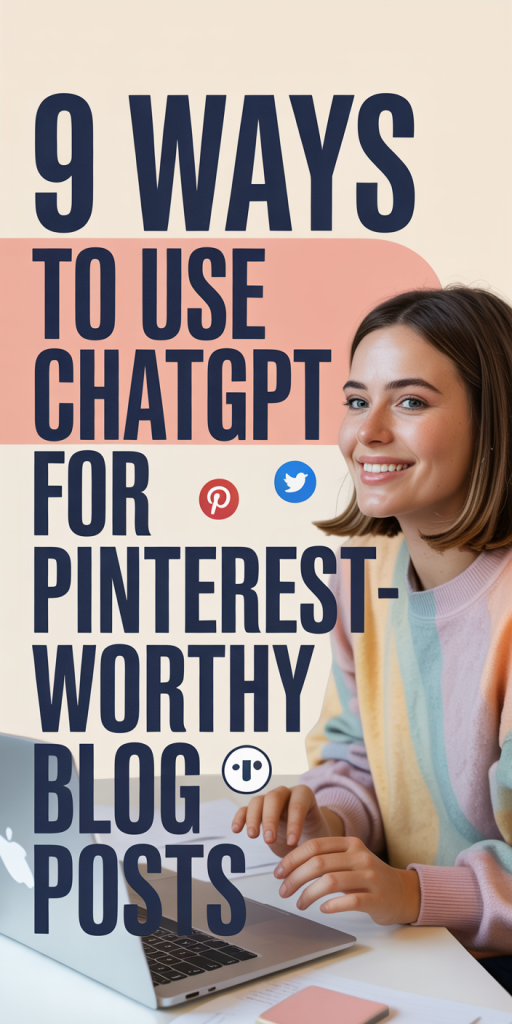
Design And Optimize Pin Visuals, Alt Text, And Image Copy
Aesthetic + clarity = saves. ChatGPT can’t design the image for us, but it can produce precise image copy, text-overlay suggestions, alt text, and image filenames that help both humans and algorithms.
Visual specs and prompts
- Image guidance prompt: “Suggest text overlay options (short, punchy) and a color-contrast tip for a vertical Pin (2:3 ratio, 1000×1500 px). Include three font pairings appropriate for lifestyle content.”
- Alt text prompt: “Write alt text for a vertical Pin that shows [visual description] and includes ‘[keyword]’. Keep it to 125 characters.”
We use the following visual best practices that ChatGPT helps enforce:
- Stick to a 2:3 ratio (1000×1500 px recommended) so pins show large in feeds.
- Keep overlay text to 3–6 words: save details for the description.
- Use high-contrast text and test legibility at small sizes.
Image copy examples generated by ChatGPT
- Overlay short: “7 Easy Meal Prep Hacks”
- Supporting line for blog hero: “Healthy dinners in 30 minutes or less”
Finally, we use ChatGPT to generate image file names (e.g., “meal-prep-hacks-30-min.jpg”) and structured alt text to boost accessibility and image search. If we need schema or Open Graph tags for Rich Pins, we ask ChatGPT to output the exact markup we can drop into our template.
Conclusion
We’ve shown practical ways to bring ChatGPT into each stage of creating Pinterest-worthy posts, from idea validation to pin text and image copy. The biggest advantage is speed combined with consistency: ChatGPT helps us iterate dozens of headline and pin variations, keep on-brand microcopy, and produce SEO-friendly blog structures that convert Pinterest clicks into engaged readers.
A few final habits that pay off:
- Always test multiple pin titles and images, let data decide.
- Use the model to create small experiments (different CTAs, overlays) rather than final answers.
- Keep a swipe file of high-performing pin language and ask ChatGPT to remix it for new posts.
If we treat ChatGPT as a creative teammate, one that drafts, reframes, and accelerates testing, we can focus our time on the visuals and storytelling that make pins truly irresistible.